Shazylist Logo ShazyList
v4.2.2 Released

All your Shazam discoveries, finally in your hands

Shazylist reads your Auto Shazam history on Mac. Create sessions, listen to previews, filter by library, and export to Rekordbox, Serato, Traktor, or Virtual DJ.

100% Free • Open Source • macOS Native

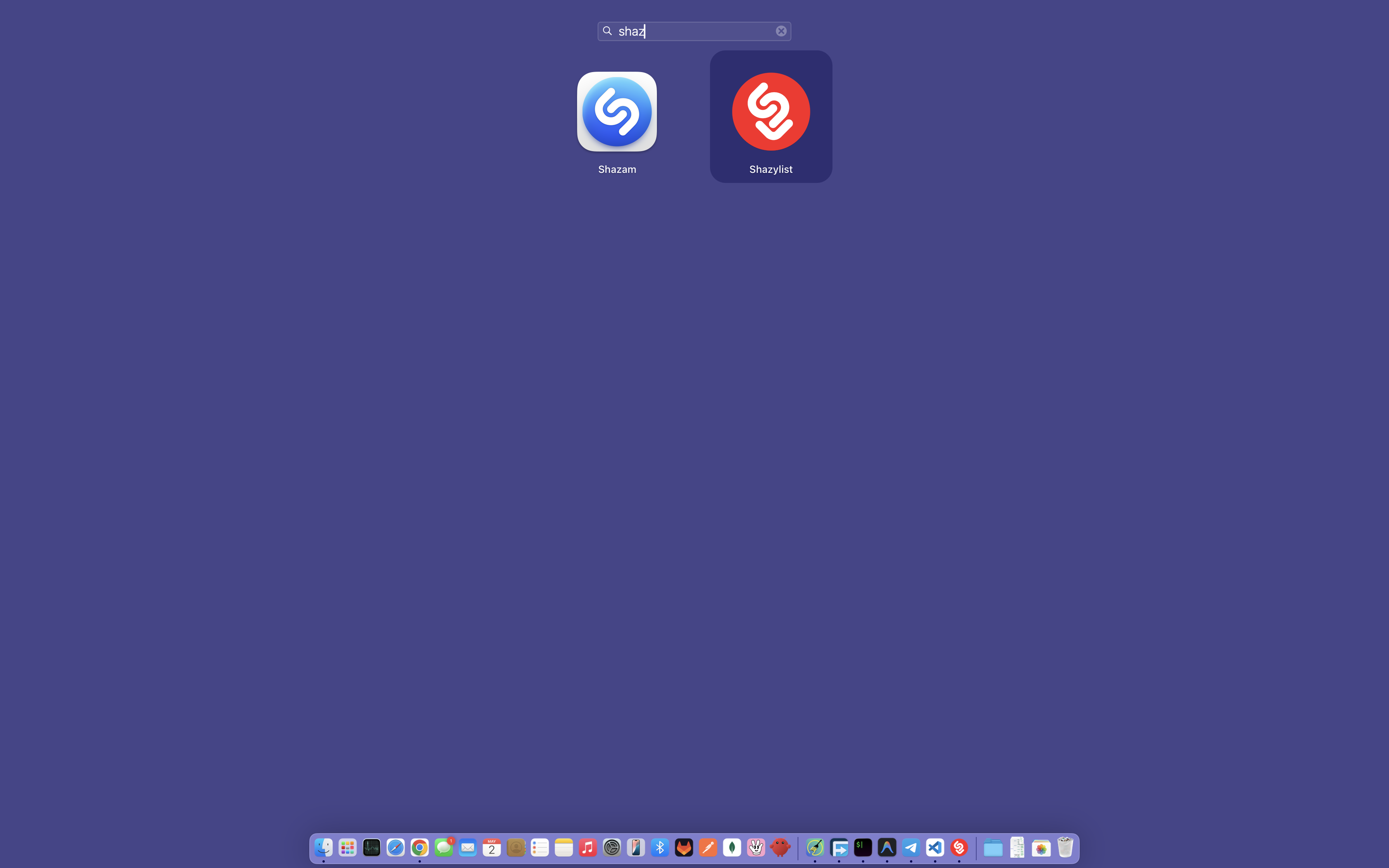
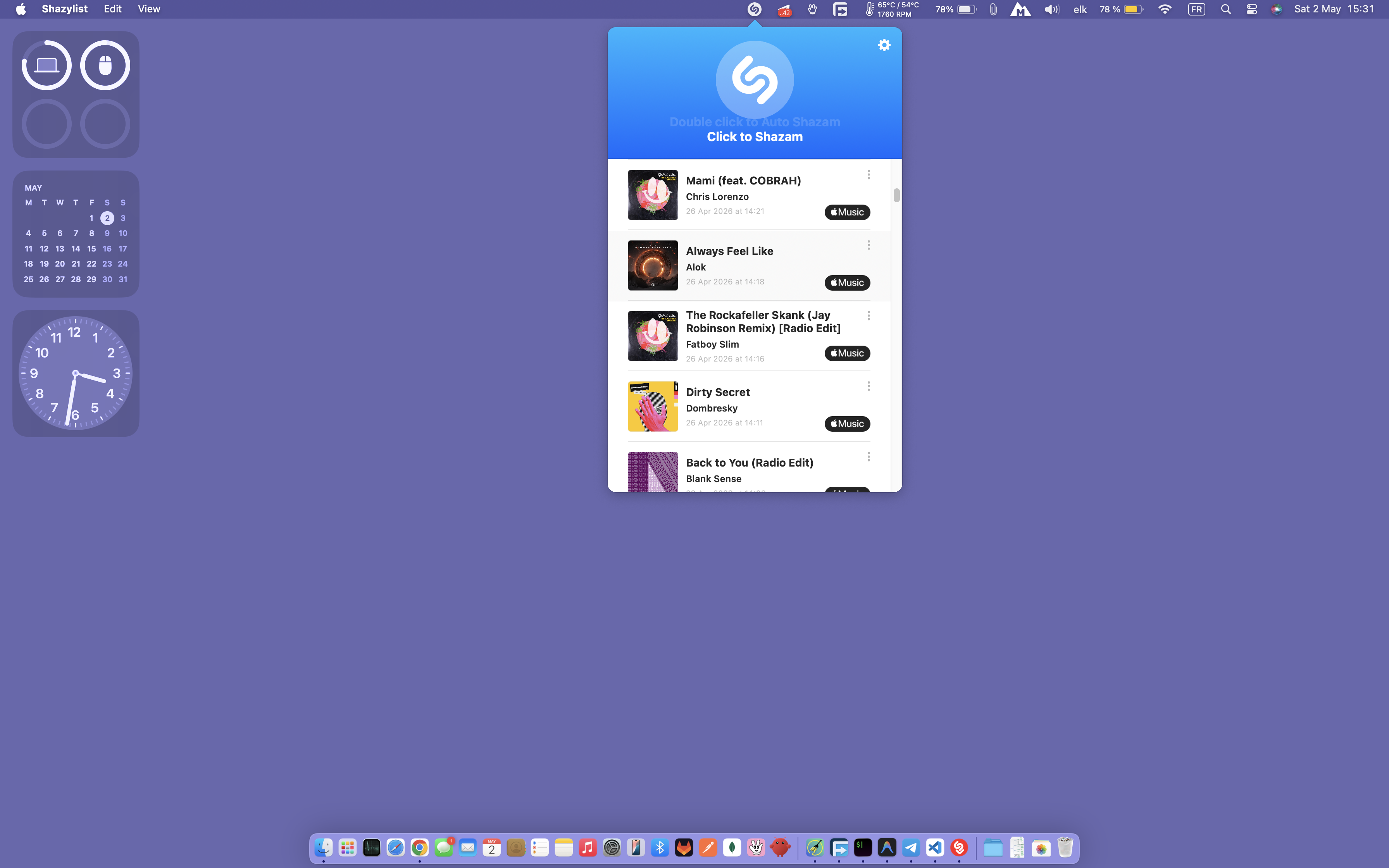
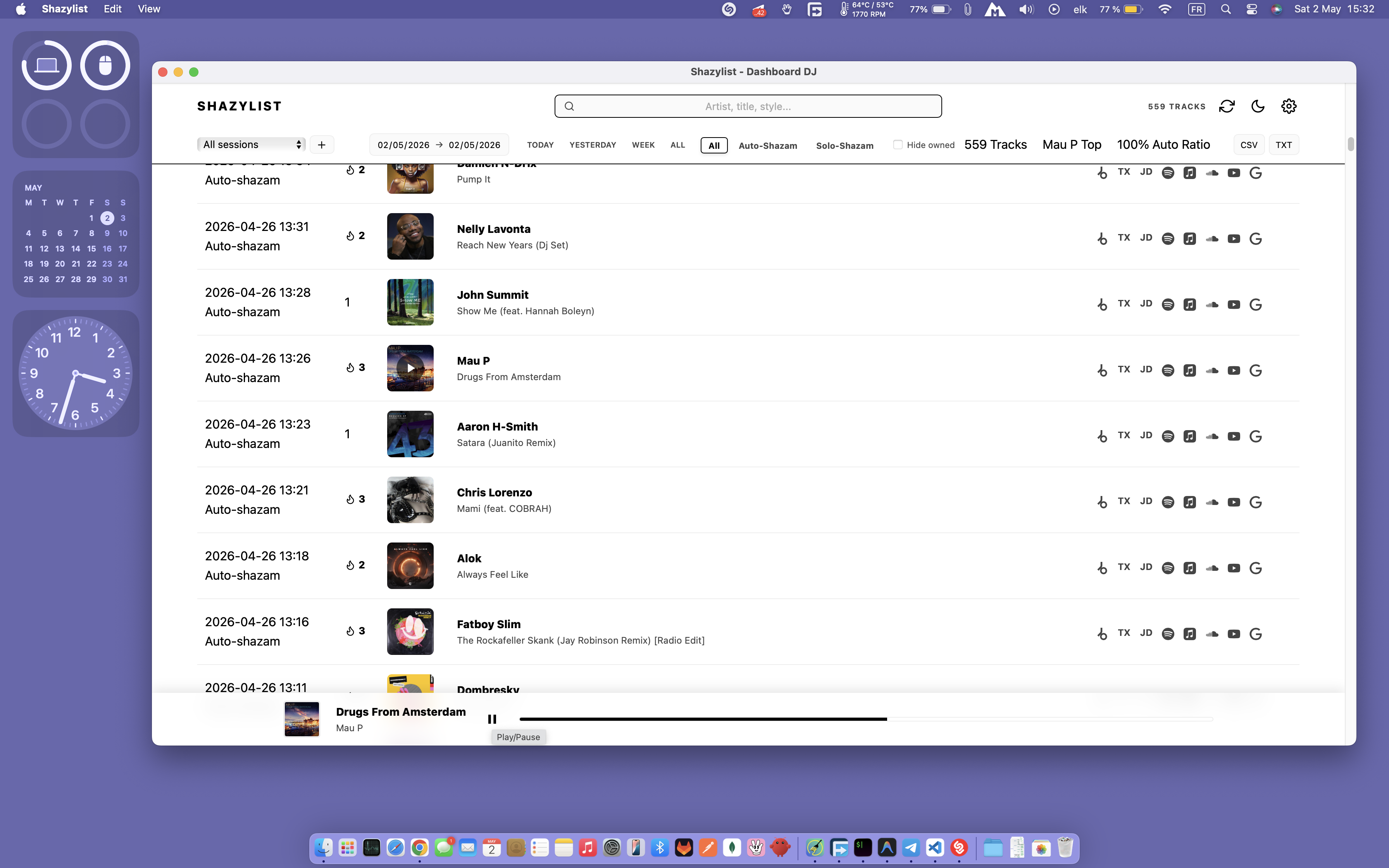
Shazylist Demo 1Shazylist Demo 2Shazylist Demo 3

How it works

1. Direct History Reading

Shazylist reads the local Shazam database to display all detected tracks, in Auto or Manual mode.

2. Real-time Updates

Refresh with one click while Auto Shazam is running to load the latest discoveries instantly.

3. DJ-First Interface

A centralized, clear interface to filter, organize by sessions, preview, and export easily.

1-click search everywhere

Find your tracks instantly on all major streaming and store platforms.

Spotify
Apple Music
SoundCloud
YouTube
Beatport
Google
Spotify
Apple Music
SoundCloud
YouTube
Beatport
Google

Key Features

Radio Sessions

Group tracks by radio show or listening session. Ideal for analyzing specific broadcasts.

Audio Preview

Listen to 30s previews of any track directly without leaving the app.

Library Filter

Connect your music folders. Shazylist only shows what you don't have yet.

Smart Export

Pro-ready CSV or TXT exports for Rekordbox, Serato, Traktor, Virtual DJ or DJ Pro.

Rekordbox Serato Traktor Virtual DJ

Who is it for?

Are you a DJ, producer, or music enthusiast spending hours listening to radios or mixes? Shazylist was built for you. Centralize, filter and exploit your Shazam history in clicks.

100% free and open source
Works offline
Your data stays on your Mac
DJ Life with Shazylist

FAQ

Is Shazylist free?

Yes, Shazylist is 100% free and open-source. There are no subscriptions or hidden fees.

Why does the app ask for Full Disk Access?

macOS protects system files, including the Shazam database. For Shazylist to read your tracks, you must grant this access in System Settings. Your other files remain private.

Is my data sent to a server?

No. Shazylist works locally. Your Shazam history never leaves your Mac.

How does 'Sessions' mode work?

A session isolates a specific listening period (like a radio mix). When you create a session, Shazylist only displays tracks detected after it started. Perfect for DJs.

Is the app compatible with Windows?

No, Shazylist is designed specifically for macOS as it uses the native Shazam for Mac database.

Ready to take control of your discoveries?

Stop leaving your best Shazam discoveries locked inside the app. Download Shazylist for free and turn your history into a real tool.

Download for macOS
100% free and open source
Works offline
Your data stays on your Mac